
Privacy & Trust

Your browser. Your Spaces. Your choice.

Your browsing experience should work on your terms. Explore how TabHerd handles your data, discover what each feature needs, and manage your privacy choices in one place.

Your choices, always within reach.

TabHerd llama with organized tabs and a privacy shield
Follow your data

See how TabHerd handles your browsing

From organizing open tabs to creating Spaces for shopping, reading, and research, TabHerd uses information to make your browser more useful. Some features work directly in your browser. Others may need additional access or cloud processing, which you can choose to enable.

Select a feature to explore how it handles your information.

Privacy & FeaturesExplore what TabHerd can do and how it uses your information.Full privacy policy
Tab organization

Organize your tabs inside your browser

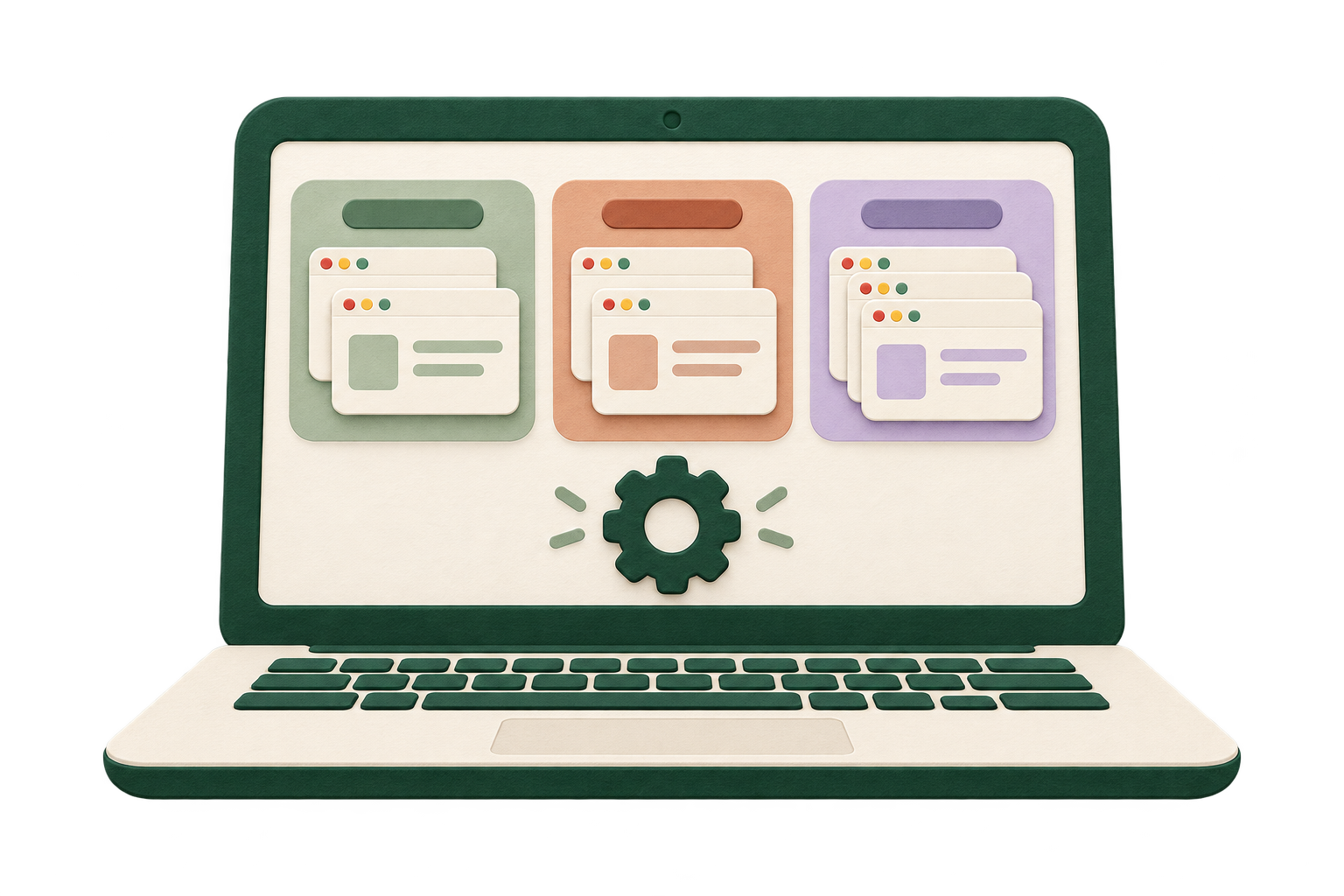
TabHerd helps you organize open tabs into clear groups. This organization runs locally in your browser and does not send tab contents to the cloud.
In your browserLocal
A laptop organizing browser tabs into three groups inside the device
What you can do

Organize open tabs into groups so you can focus on one project or topic at a time.

If you turn this off

Tabs remain open in their existing arrangement without automatic or suggested grouping.

Information used
  • Tab titles and web addresses
  • Tab and window identifiers
  • Existing tab groups and opener relationships
When it happens

When you use tab organization, including any enabled automatic suggestion behavior.

Where information goes

Local grouping runs inside your browser. Cloud AI grouping is a separate optional path.

Your control

Review suggested groups and choose whether to apply them.

TabHerd does not need to read the full content of a webpage to suggest basic tab groups.